
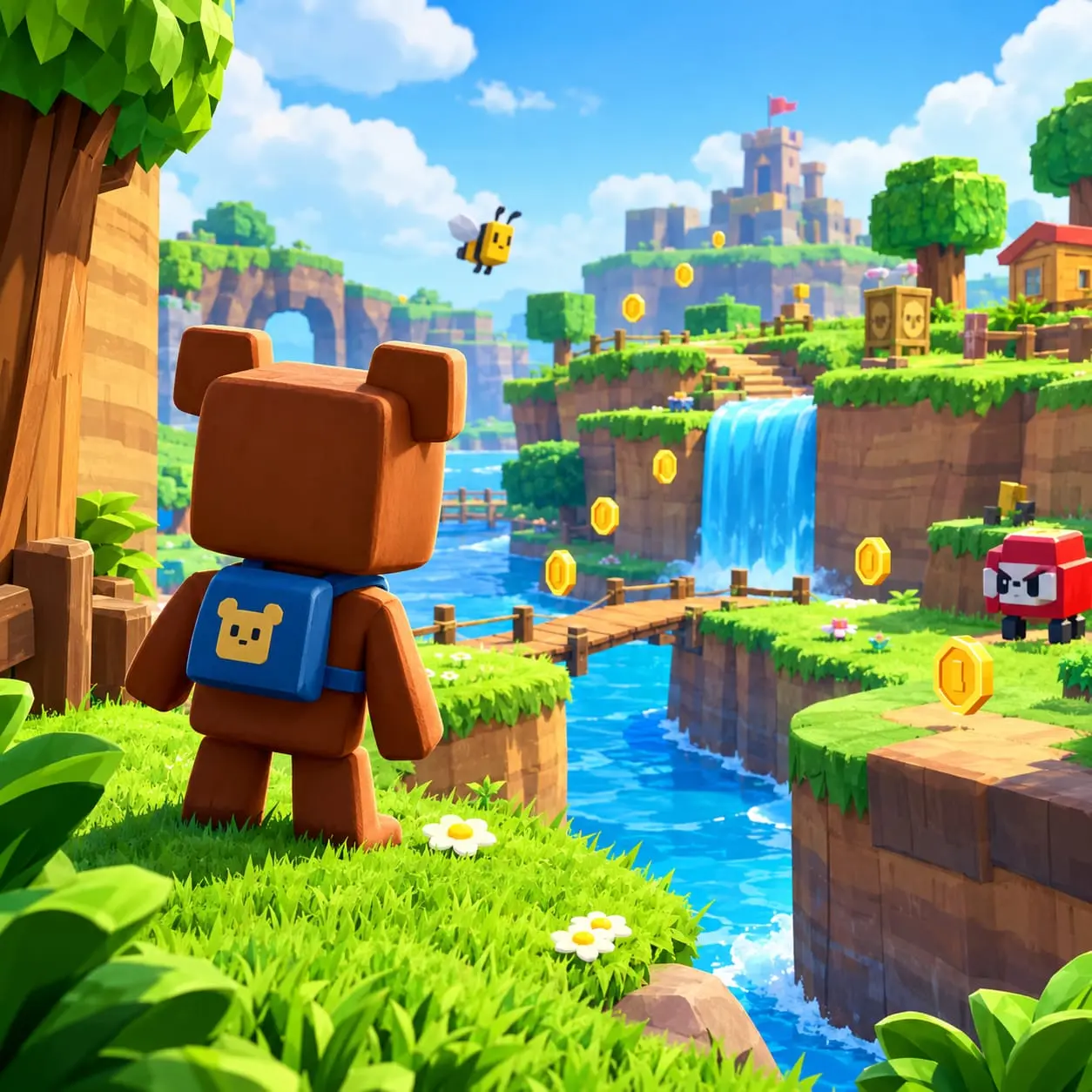
Super Bear Adventure Controls and Movement Guide
Learning the controls is one of the first steps to enjoying Super Bear Adventure. The game combines running, jumping, climbing, swimming, combat, and exploration, so getting comfortable with movement can make different areas much easier to navigate.
Whether you are new to the game or want better control over Baaren, this guide explains the main controls, movement mechanics, camera handling, and practical techniques for smoother gameplay.
For more information about the game, visit the Super Bear Adventure home page.
Super Bear Adventure Controls
The controls can vary depending on the platform you are using. On mobile, you interact with the game through touchscreen controls, while PC players use keyboard and mouse controls through a compatible setup.
The main actions you will use during gameplay include:
| Action | What It Does |
|---|---|
| Move | Walk or run around the environment |
| Jump | Cross gaps and reach higher platforms |
| Attack | Fight enemies and interact with certain objects |
| Swim | Move through water and underwater areas |
| Climb | Reach higher locations through climbable routes |
| Camera | Look around and adjust your view |
If you are completely new to the game, it can help to start with the Super Bear Adventure Beginner’s Guide before moving into more difficult platforming sections.
Mobile and PC Controls
The basic actions remain similar across platforms, but the way you perform them can be different.
Mobile Controls
On mobile devices, movement and actions are performed using the game’s on-screen controls. The virtual movement control is used to guide Baaren, while the available action buttons are used for activities such as jumping and attacking.
Touchscreen camera controls also let you change your view when exploring or preparing for a jump.
If you are playing on an Apple device, you can also check our Super Bear Adventure iOS guide for platform-specific information.
PC Controls
On PC, the control method depends on the setup you are using to run the game. Keyboard and mouse controls can make movement and camera adjustments feel different from touchscreen gameplay.
If you are playing on a computer, see the Super Bear Adventure PC guide for more information about playing on a larger screen and using a compatible setup.
Tip: If your control layout differs from another player’s setup, focus on what each button or input does rather than relying only on the physical key or button position.
How to Move in Super Bear Adventure
Basic movement is important because many areas require more than simply walking toward your destination. You may encounter slopes, platforms, obstacles, narrow paths, and routes that require careful positioning.
Start in an open area and practice walking, running, and changing direction. Once you are comfortable, combine movement with jumping to cross gaps and reach platforms.
One useful habit is to keep the camera aligned with the direction you are travelling. This gives you a clearer view of upcoming obstacles and makes it easier to judge your next movement.
How to Jump Properly
Jumping is one of the most important movement mechanics in Super Bear Adventure. You will use it to cross gaps, reach platforms, avoid obstacles, and access areas that cannot be reached by walking.
For more accurate jumps:
- Move toward your destination.
- Adjust your position before jumping.
- Point the camera toward the landing area.
- Check that you have enough space for the jump.
- Use directional movement to make small adjustments while airborne.
For larger gaps, avoid jumping too early. Give yourself enough room to build a controlled approach and line up the landing area.
If you repeatedly miss the same platform, change your starting position or camera angle instead of simply repeating the same jump.
Combining Movement and Jumping
Some platforming sections require several actions in sequence. You may need to run toward a platform, jump, adjust your direction in the air, land, and immediately continue moving.
A useful sequence to practice is:
Run → Jump → Adjust Direction → Land → Continue Moving
Start with short and simple jumps before attempting longer or more complicated sections. Once the sequence becomes familiar, movement will feel more natural and controlled.
Climbing and Reaching Higher Areas
Exploration can take Baaren to higher locations where climbing or another route may be required.
When approaching a climbable area, slow down and check the surroundings first. Look for nearby platforms, climbable surfaces, or paths that can help you reach the next location.
Camera positioning becomes especially useful during vertical sections. Keep enough of the surrounding area visible to understand where you need to go next.
If a direct route seems difficult, look around before repeatedly attempting the same movement. A nearby platform or alternative approach may provide an easier way forward.
Swimming and Underwater Movement
Water areas introduce another type of movement. Swimming requires you to control Baaren while navigating an environment with fewer solid surfaces to use as reference points.
When exploring underwater areas, avoid making constant sharp direction changes. Use smaller movements and keep track of the direction you are travelling.
The camera can also help when the route ahead is unclear. Adjust your view to look for paths, objects, and locations where you can return to the surface.
If you lose your sense of direction, stop moving for a moment, reorient the camera, and then continue.
Using Movement During Combat
Movement is useful during combat as well as exploration. Staying in one position can make it harder to react when enemies are nearby.
Instead of attacking continuously from the same spot, move around the enemy and reposition yourself when necessary.
A simple approach is:
Move → Observe → Attack → Reposition
This keeps you aware of your surroundings while giving you opportunities to create space and choose when to attack.
Movement and jumping can also help you avoid obstacles or change your position during a fight. The most useful approach can depend on the enemy and the surrounding environment.
Camera Control Tips
Camera control works closely with movement. A poor camera angle can make an otherwise simple jump, turn, or route difficult to judge.
Before making a difficult jump, adjust the camera so you can clearly see the landing area. When entering an unfamiliar location, take a moment to look around before moving forward.
Camera control is particularly useful when:
- Exploring narrow paths
- Making platform jumps
- Climbing
- Fighting enemies
- Looking for hidden routes
- Navigating unfamiliar areas
If movement suddenly feels difficult, check your camera position before assuming that the route itself is the problem. A clearer view can make positioning and timing much easier.
Tips for Better Movement
Practice in Open Areas
Start with basic running, turning, and jumping before attempting difficult platforming sections. This gives you time to become familiar with how Baaren responds to your inputs.
Line Up Your Jumps
Instead of rushing toward a platform, adjust your position and camera first. A controlled approach makes it easier to judge distance and landing position.
Keep the Camera Aligned
Try to keep the camera useful rather than constantly changing it. Adjust the view when an obstacle, platform, or route becomes difficult to see.
Look for Alternative Routes
Not every location needs to be approached directly. Check nearby platforms, climbable surfaces, paths, and other possible routes before repeatedly attempting a difficult section.
Combine Different Actions
Once basic movement becomes comfortable, practice combining running, jumping, turning, climbing, swimming, and attacking. These combinations become increasingly useful during exploration.
Common Movement Mistakes
New players can make a few simple mistakes while learning the movement system.
Jumping without checking the landing area:
You may miss the platform or land somewhere unintended. Whenever possible, check the destination before jumping.
Moving too quickly in unfamiliar locations:
Running forward without looking around can cause you to miss paths, platforms, or useful areas.
Ignoring the camera:
An awkward camera angle can make jumps, turns, and narrow paths harder to judge.
Standing still during combat:
Remaining in one position can make it harder to react to nearby enemies. Move and reposition when necessary.
Repeating the same difficult route:
If you keep failing at the same section, stop and examine the surrounding area. Another route or a different approach may be easier.
A Simple Practice Routine
You do not need to master every movement at once. A short practice routine can help you build control gradually.
- Practice walking, running, and changing direction.
- Try short jumps and focus on accurate landings.
- Add camera adjustments before and during jumps.
- Practice climbing and swimming in less difficult areas.
- Use movement while fighting enemies.
- Combine several actions during normal exploration.
This gradual approach makes it easier to identify which movement needs more practice.
Frequently Asked Questions
What are the basic controls in Super Bear Adventure?
The main actions include movement, jumping, attacking, camera control, swimming, and climbing. The exact input method depends on the platform and control setup you are using.
Are Super Bear Adventure controls the same on mobile and PC?
The basic gameplay actions are similar, but the input method can differ. Mobile uses touchscreen controls, while PC gameplay can use keyboard and mouse controls depending on the setup.
How can I improve my jumping?
Practice positioning Baaren before jumping and keep the camera focused on your destination. Small directional adjustments while airborne can also help you improve your landing.
Is camera control important?
Yes. A useful camera angle helps you judge distances, see obstacles, understand routes, and line up difficult jumps.
How do I get better at movement?
Practice running, turning, jumping, climbing, swimming, and camera movement in different areas. Once you are comfortable with individual actions, practice combining them during exploration.
Can movement help during combat?
Yes. Moving around can help you reposition yourself, avoid certain obstacles or attacks, and create better opportunities to attack.
Final Thoughts
Understanding Super Bear Adventure controls and movement can make exploration and platforming easier to manage. Start with basic movement, then gradually practice jumping, camera control, climbing, swimming, and combat movement.
If you prefer an earlier release, you can also explore our Super Bear Adventure Old Version guide.
The most useful habit is to stay aware of your surroundings and avoid rushing difficult sections. With regular practice, you can move around different environments more confidently and handle challenging platforming sections with better control.